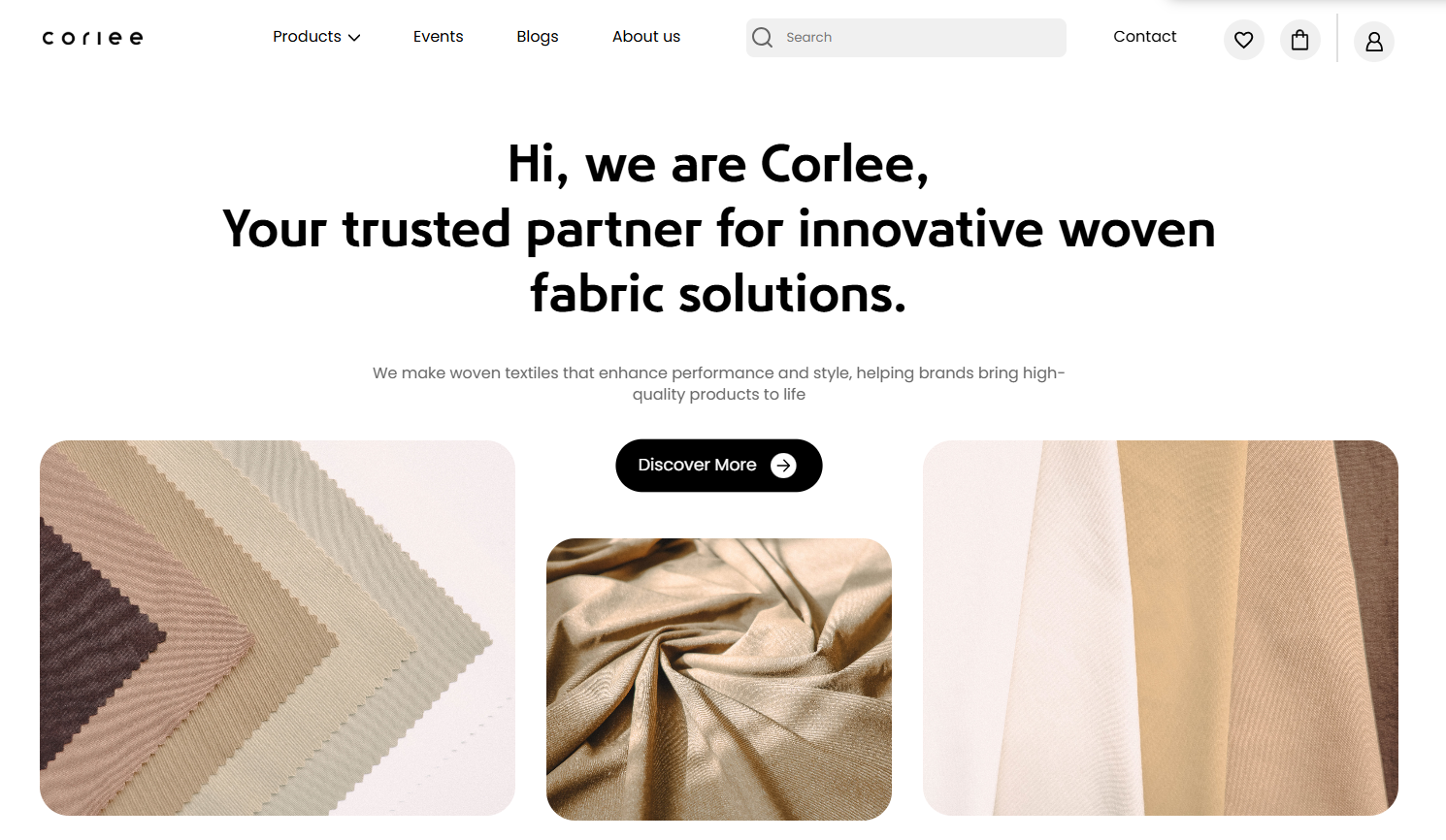
Corlee sells woven fabric to garment makers. A swatch photo tells you the colour and the weave. It doesn't tell you how a check reads at the size of a shirt, or whether a stripe gets busy across a jacket. So every product page has a 3D view: pick a colour, pick a garment, rotate it.
There's no texture made per garment or per fabric. The photograph of the fabric that's already in the catalogue is the texture.
Swapping the material
The garments are GLB models loaded with React Three Fiber and drei. When a fabric image is ready, the scene is cloned and every mesh in it gets the same new material:
const tex = texture.clone();
tex.wrapS = tex.wrapT = THREE.RepeatWrapping;
tex.repeat.set(textureScale[0], textureScale[1]);

const material = new THREE.MeshStandardMaterial({
  map: tex,
  roughness: 1.0,   // cloth doesn't shine
  metalness: 0.0,
  color: new THREE.Color(1.15, 1.15, 1.15),
});

const scene = gltf.scene.clone();
scene.traverse((child) => {
  if (child.isMesh) child.material = material;
});
Roughness at 1 and metalness at 0 make the surface fully matte, which is what woven cotton looks like. The colour of 1.15 is a brightness boost: a texture's colour is multiplied by the material's, so a value just over 1 lifts the photo slightly.
The repeat is per garment
A swatch photo covers a few centimetres of cloth. Stretched once across a whole jacket it looks like a giant blurry print. RepeatWrapping tiles it instead, and the repeat count decides how big the weave reads.
Every model was authored at a different scale with different UV layouts, so there's no single right number. The shirt and trousers use a repeat of 3.6. The jacket needed 5, and one of my commits is literally "Fixed texture scale on jacket". The models themselves needed different scale factors too, from 0.003 for the jacket to 2.5 for the shirt, because they came from different sources.
That's also why the texture is cloned before the repeat is set. repeat lives on the texture, not the material, so sharing one texture between two garments would make them fight over its tiling.
Keeping it fast
Buyers click through colours quickly, and every colour is a different photo. A module-level cache keyed by URL keeps each texture loaded once for the page's lifetime, and textures are disposed when they're evicted so the GPU memory comes back. Three's own cache is switched on for the model files. Mipmaps are generated so the weave doesn't shimmer when the garment is rotated away from the camera.
Each effect that loads a texture also tracks whether it's still current, so a slow image that arrives after the buyer has picked another colour is dropped instead of painting the wrong fabric.
It isn't physically accurate. There's no drape simulation, and a heavy twill looks as soft as a voile. It answers the question buyers actually had, which was how the pattern looks on a garment, and it does it with photos the client was already taking.